

Glitch FX v2-Analog Distorter
$300.00 $350.00
Analog video distortion you perform by hand — not a plugin

ANALOG VIDEO SYNTH
A video FX plug-in. But in real life.
Composite video in, composite video out, four knobs in between. Turn one and the picture on the screen changes with it, live, in the signal.
Original analog circuit · Hand-built in small batches · NTSC / PAL · Made for CRTs, works on modern screens too
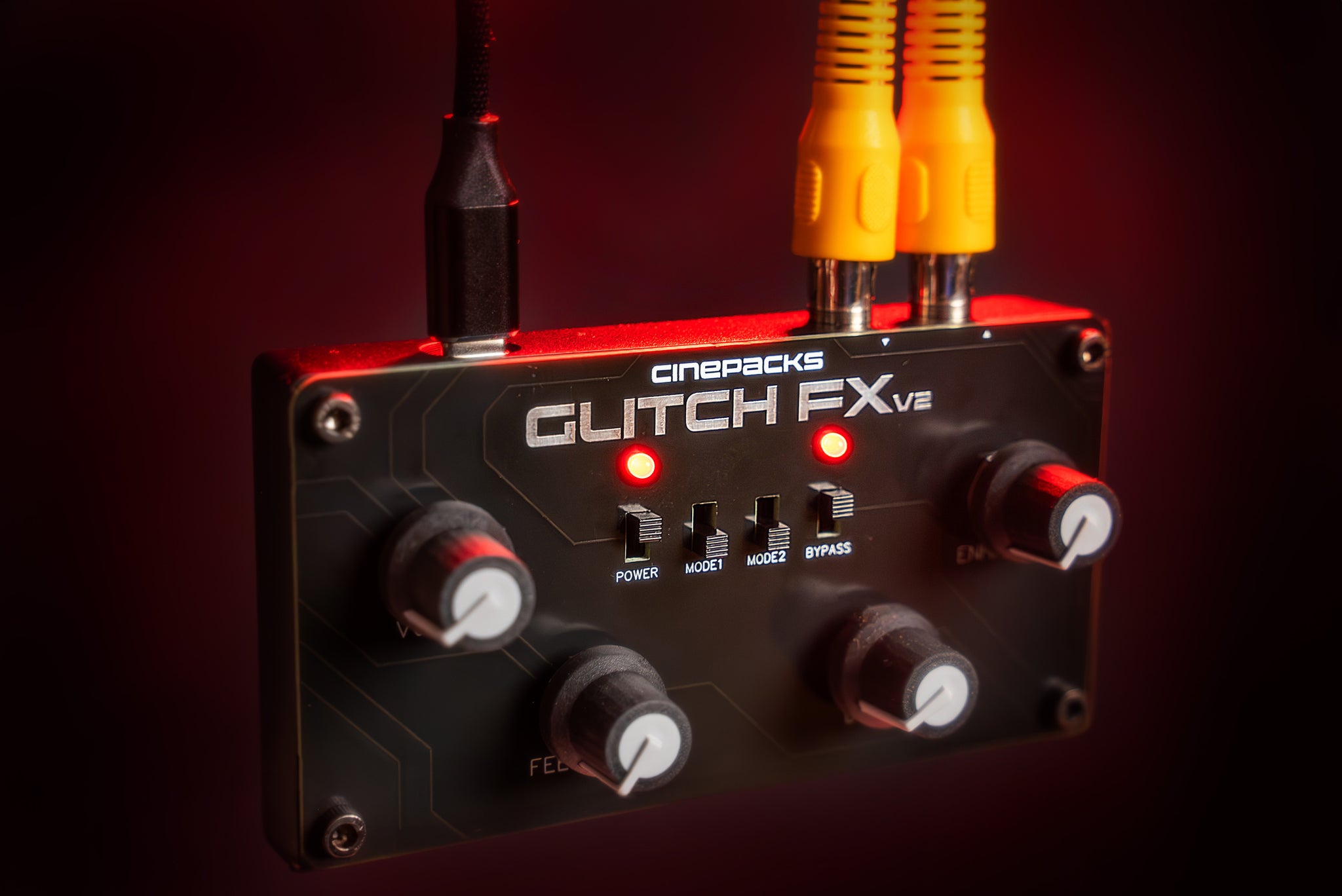
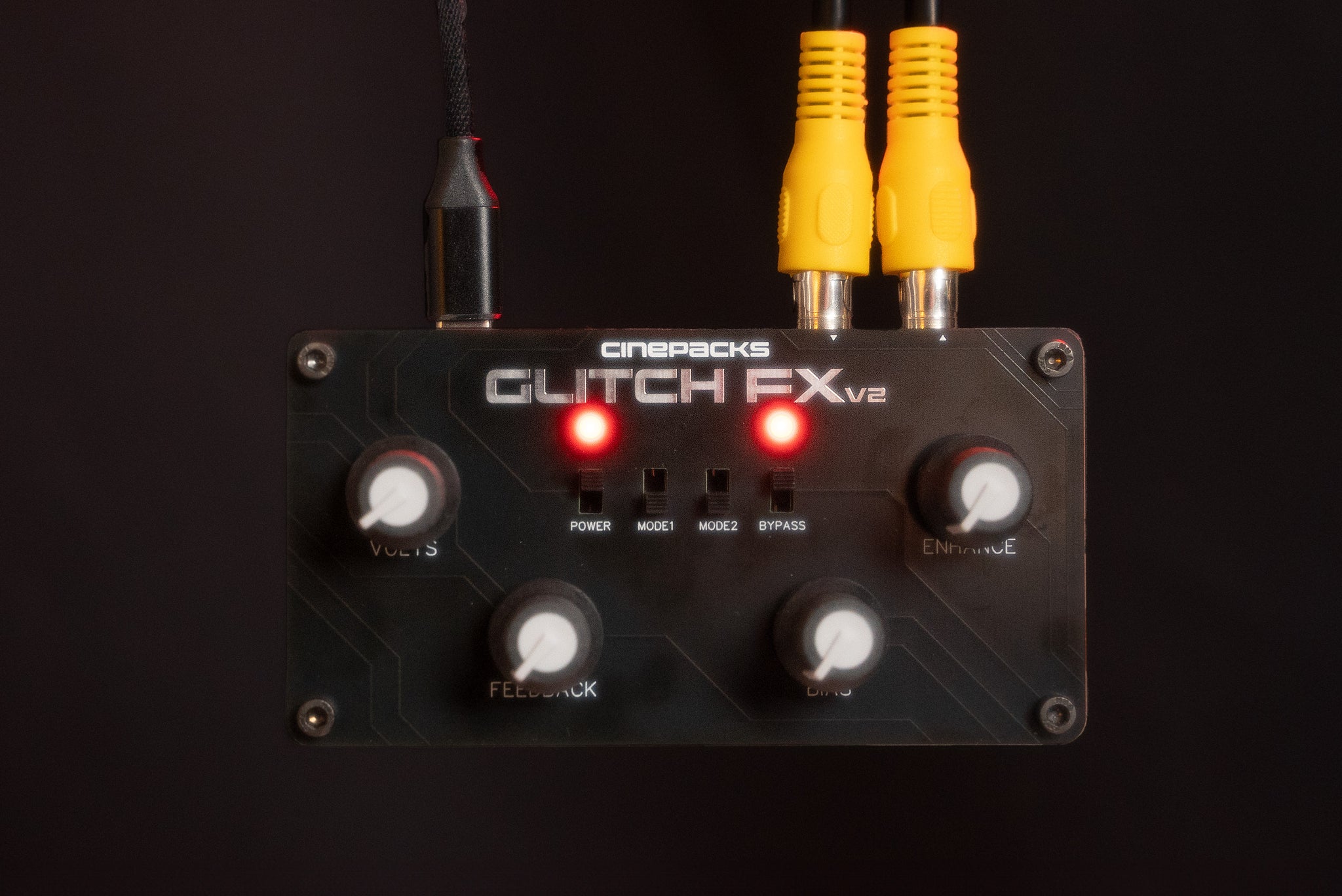
Four knobs. Four switches. No presets.
Each label is what the knob does to the circuit, not the name of an effect. Tap a point on the panel.

Glitch FX v2
Start clean: every knob fully left. Turn clockwise and the damage builds.
Push it too far and a capture card drops to blue. A CRT holds on longer, and it glows.
Seven shorts and the full walkthrough.
Change the channel. Every setup, straight from the shop.
SPECS & SETUP
Composite in, composite out. Everything that plugs into the box, and everything the box plugs into. Tap any part for the details.
Composite in. Composite out.
Tap a box for what it is, whether it ships with the unit, and what plugs into it.
- Glitch FX v2Hand-built. RCA IN and OUT marked on the panel.
- 2 RCA video cablesOne for IN, one for OUT. Video only, the yellow plug.
- HDMI-to-AV converterFeeds a laptop or HDMI camera into the box. Needs its own USB power; the lead is included.
- USB-C power cableAny USB-C cable works, A to C or C to C. Under 1 W, so any phone charger runs it.
- A sourceCamcorder (with its A/V cable), VHS deck or console straight in. Laptop or HDMI camera through the included converter.
- Something to watch it onAny CRT with a video input looks best. An HDMI screen or projector needs an AV-to-HDMI converter.
- To record itA capture card into your computer, an HDMI recorder, or a PowerPlay DVR straight to microSD.
- Start clean.Every knob fully left, effects off. Turn clockwise and the damage builds. Flip the switches live and the glitches land on the beat.
- Editing from a laptop?Set the CRT as your playback monitor in Premiere (Preferences, Playback, Transmit Device) so the timeline plays out through the box instead of mirroring your desktop.
- Filming a CRT?Lock exposure and focus. Scale the re-recorded clip back up, line it up over the original, and cut between clean and glitched rather than running it wall to wall.
- Make overlays.Feedback pushed to white gives you Screen and Multiply material. The CinePacks VHS FX Pack overlays were made with this box.
- Titles.Red text on black, glitched on a CRT, refilmed, then blended with Screen. Mode 2 is usually too much for titles.
- I/O
- Composite video IN and OUT · 2 RCA jacks · video only
- Format
- NTSC / PAL · standard definition, by design
- Power
- USB-C · 5 V · under 1 W
- Build
- Original analog circuit · hand-built in small batches
